> ## Documentation Index
> Fetch the complete documentation index at: https://docs.encord.com/llms.txt
> Use this file to discover all available pages before exploring further.
# Bulk Label Deletion
Active support deleting all labels from data units in a Label Collection.
Deleting all labels on data units in a Label Collection **CANNOT BE UNDONE**.
Use the **Display** settings to help find labels that require action.
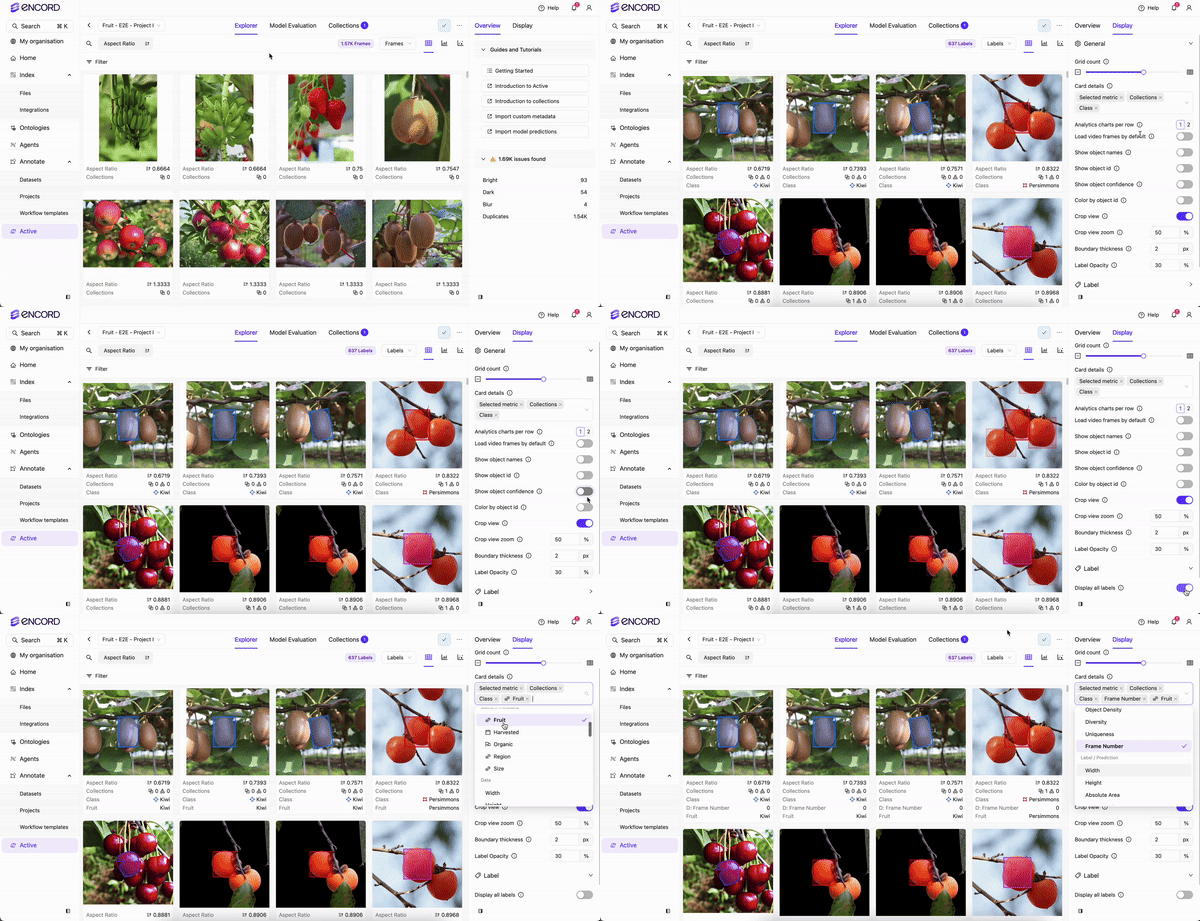
**To delete all labels using a Label Collection:**
1. Log in to the Encord platform.
The landing page for the Encord platform appears.
2. Click **Active** in the main menu.
The landing page for Active appears.
3. Click the Project.
The landing page for the Project appears with the *Explorer* tab selected.
4. Select **Labels** on the Explorer page.
5. Create one or more Collection by searching, sorting, and filtering until you have the subset of the data you need.
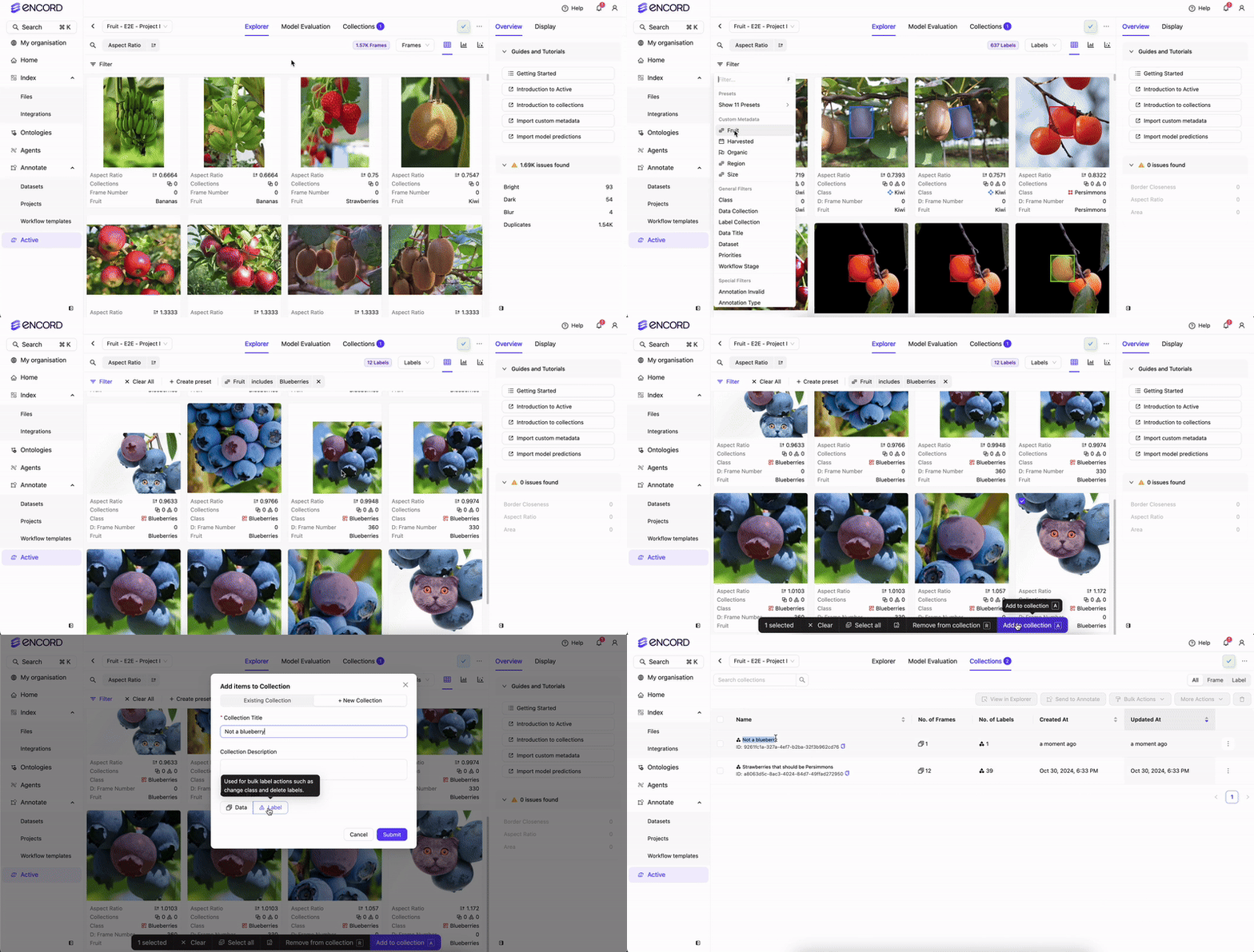
6. Click **Collections**.
The Collections page appears.

7. Select one or more **Label Collections** from the Collection list.
8. Click **Bulk Actions**.
A menu appears.
9. Select **Delete Labels**.
A dialog appears.
10. Click **Delete labels forever**.
11. Click **Proceed to Delete**.