Filter
You can filter data units in Data based on the presence of labels, and the source of those labels (Projects and branches).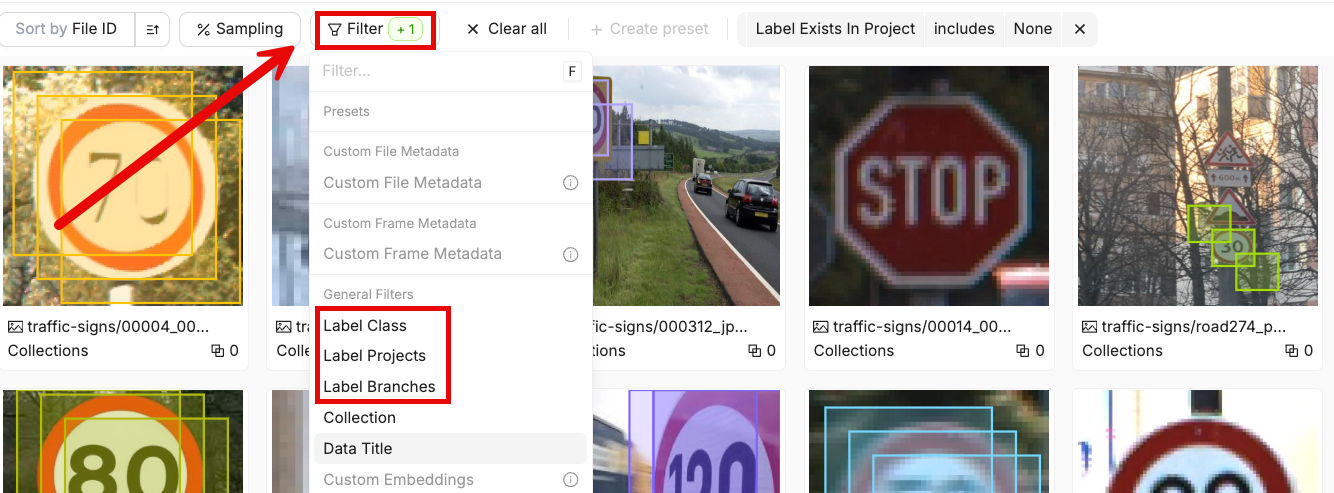
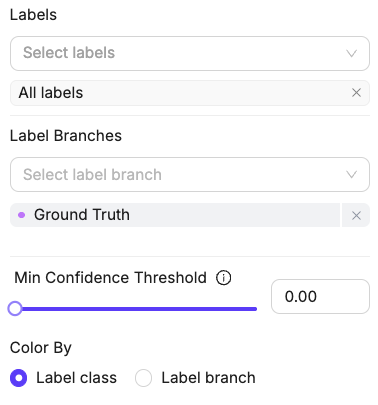
Select Labels to Display
You can display labels directly on data units in the Data, Frames, and Video views. These settings control which labels are shown, but do not affect which data units are included in your filtered results. The sidebar allows you to control which labels are displayed on each data unit.