

Object tracking and interpolation both automatically apply labels.
- Interpolation applies labels in between existing labels.
- Object tracking uses SAM 2 and applies labels to consecutive frames.
No data is stored on our servers when using interpolation.
Ontologies
| Ontology shape | Interpolation | Tracking |
|---|---|---|
| Bounding box | β | β |
| Rotatable bounding box | β | β |
| Polygon | β | β |
| Polyline | β | β |
| Primitive | β | β |
| Keypoint | β | β |
| Bitmask | β | β |
| Cuboid | β | β |
| Segmentation | β | β |
Simple Interpolation
The video tutorial below goes through the basics of using interpolation in the Label Editor.- Create instance labels on at least two non-consecutive frames.
- Click the three dots icon on the instance to be interpolated, and click Interpolate.

- Interpolation is run between the first and last frames the instance is labeled.
Keyboard Shortcut
You can use keyboard shortcuts to run interpolation.- Click the instance label.
- Use the Shift + I keyboard shortcut to the run interpolation between the first and last frames the instance is labeled.
Advanced Interpolation
- Create instance labels on at least two non-consecutive frames.
- Click the hamburger icon > Automated labelling button in the bottom left corner of the label editor to bring up the options for automated labeling. The Tracking and interpolation section is open by default.
-
The Tracking and interpolation section is open by default.
- Select Interpolation under the Method heading.
- Select the object instance(s) you want to interpolate.
- Interpolation range specifies the range of frames for interpolation.
Only Workspaces on βEnterpriseβ pricing can interpolate over a range larger than 1000 frames.
- Click Run interpolation to interpolate the selected object instances.
Re-Interpolate
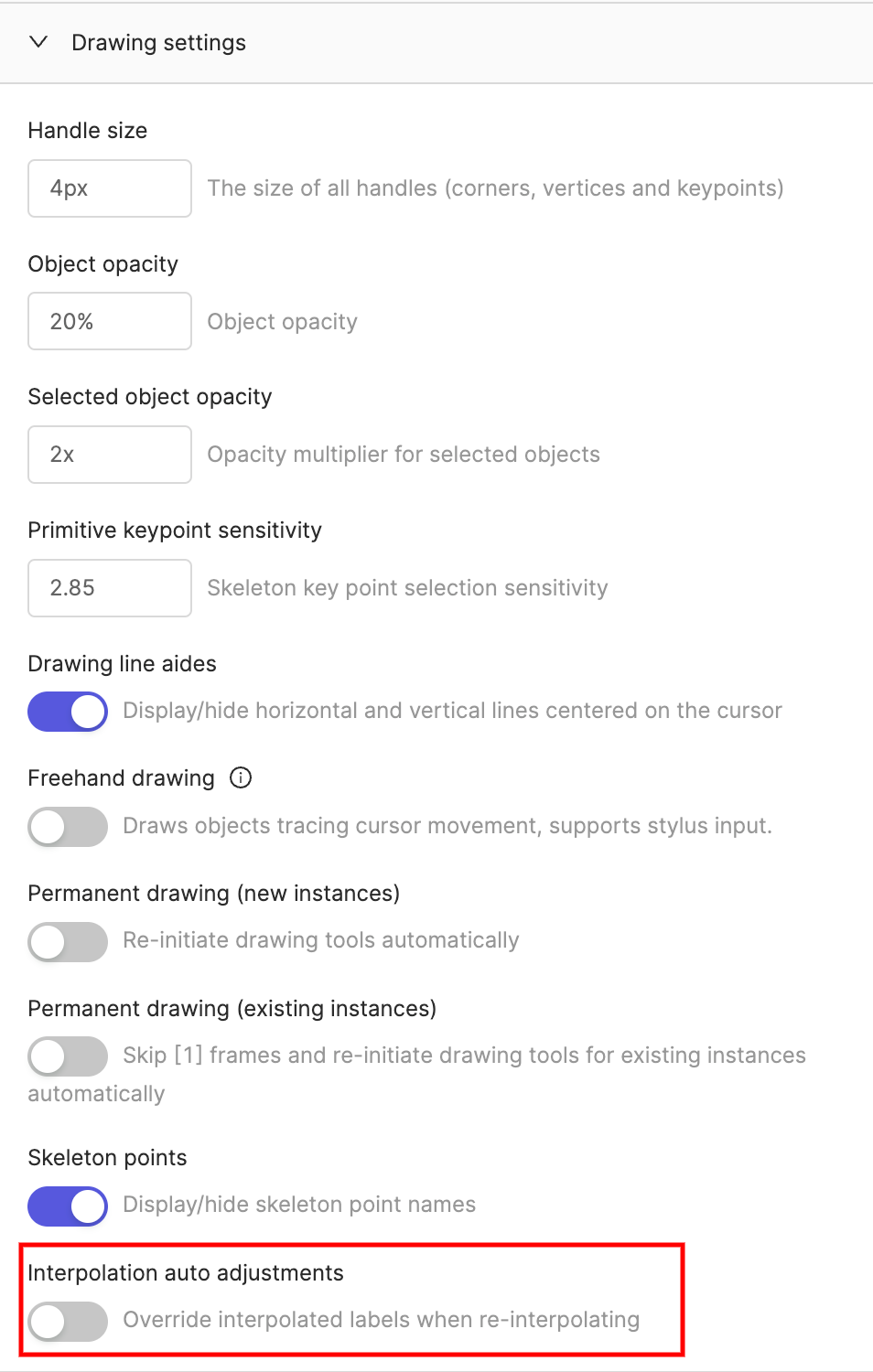
Interpolation results can be improved by manually correcting some interpolated labels, and re-running the interpolation. Enable the Interpolation auto adjustments toggle in the Drawing settings section of the label editor settings. This ensures that only labels with a confidence score (Ξ±) less than 100% are overwritten in successive interpolations, while manual labels (Ξ± = 100%) are kept and serve as key frames.
All labels created using interpolation are always assigned Ξ± = 99%.

