

Re-indexing the data is not something that should be done lightly. This feature is meant to help resolve issues.
When to Use Re-index
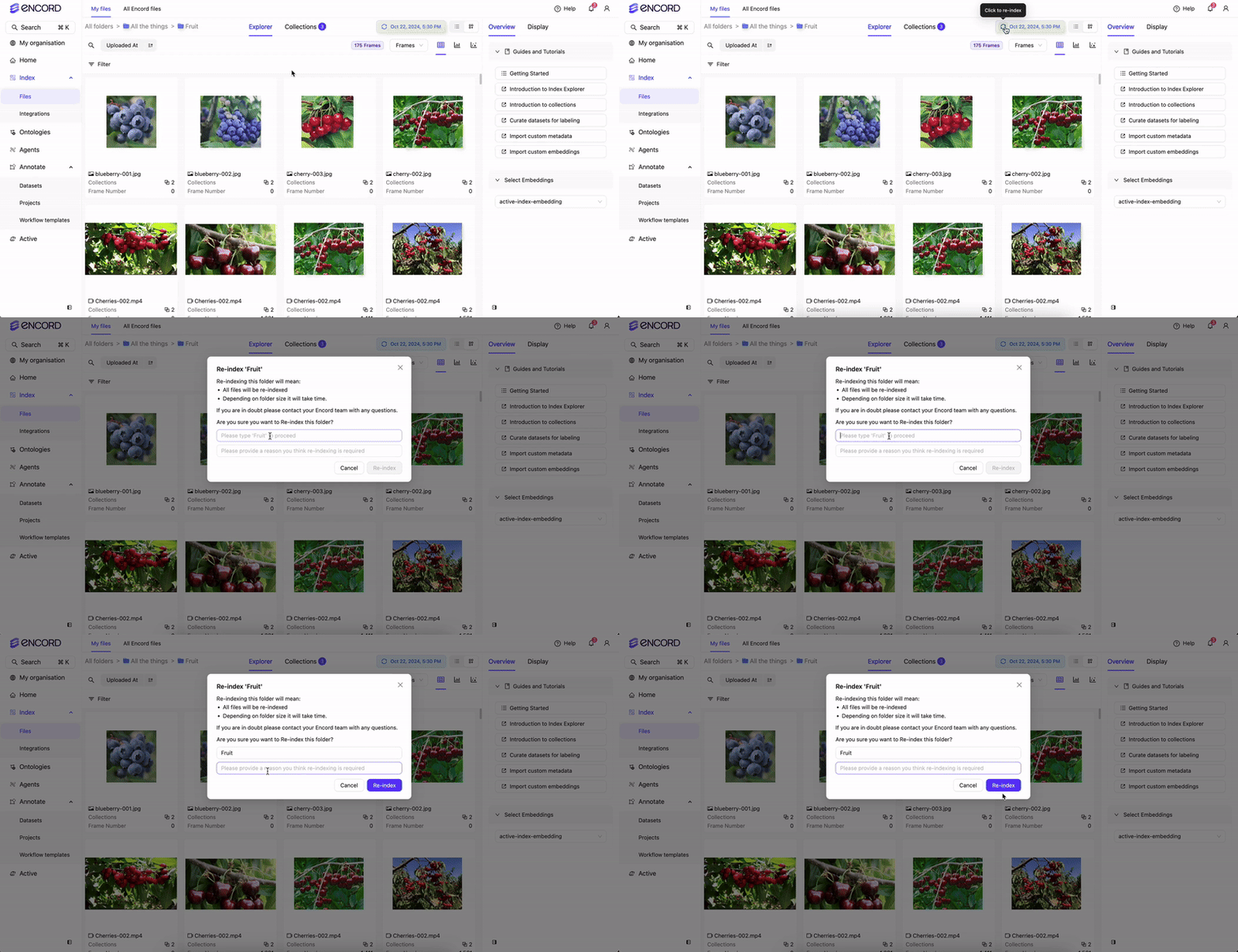
Use re-index if you experience issues displaying, sorting, or filtering images, videos, frames, or audio files in Encord.How to Re-index
Please provide a reason why you are re-indexing. The more information you provide, the more prepared we can be with a follow-up.
Re-indexing Duration
Re-indexing duration depends on the volume of data and the number of Folders involved. Folders with large amounts of data may take several hours to complete.We strongly recommend against re-indexing while data is actively being imported into the Folder you are viewing in Encord.